


September 2026 Android Drop: 5 New Features You Should Try Right Now
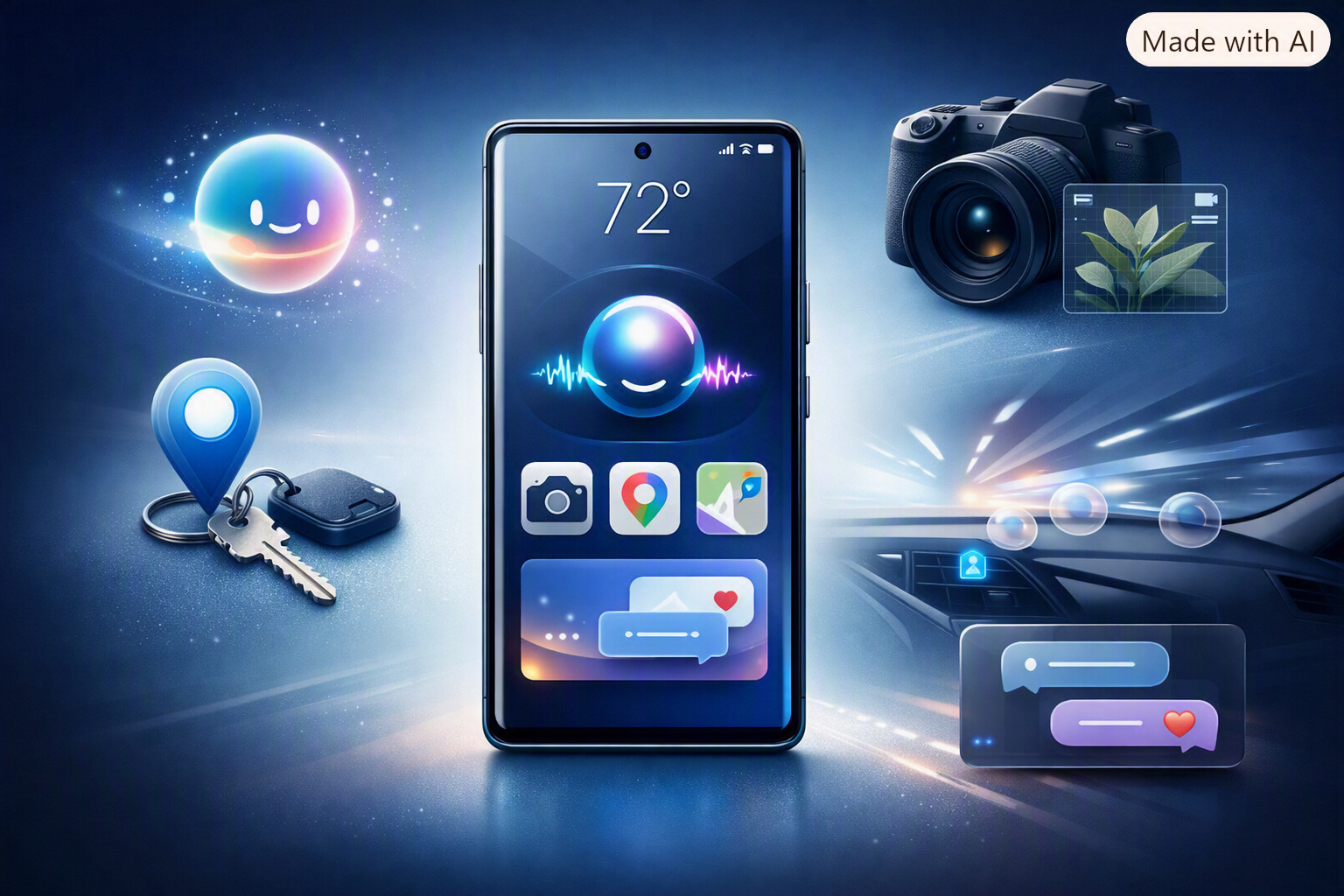
Google's latest Android Drop is here, and this time the company isn't simply adding another collection of cosmetic changes. The September 2026 Android Drop introduces several features designed around things Android users actually do every day.
You can now get help remembering where you stored important belongings, use a new motion-assistance feature while travelling, interact with Gemini through your camera, create collaborative Google Keep notes directly from Messages, and personalize individual conversations with new chat themes.
Google announced the September Android Drop on September 1, 2026. However, there's an important catch: these features are not necessarily available on every Android phone at the same time. Availability depends on your device, Android version, country and Google services.
🚀 The 5 New Android Features at a Glance
Ask Gemini to remember where you stored things such as your passport or keys.
A new Android feature designed to help reduce motion sickness while using your phone in a moving vehicle.
Gemini Live can use your camera to understand and describe what's around you.
Create and collaborate on Google Keep notes and lists directly inside Google Messages.
Personalize individual Google Messages conversations with backgrounds, photos and colours.
1. 🧠 Gemini Can Remember Where You Put Your Stuff
Let's start with one of the most useful features in the update.
Google is connecting Gemini with Find Hub so you can create a digital memory of where you stored important belongings.
For example, imagine putting your passport in a drawer before a trip. A few days later, you can't remember which drawer you used.
"Gemini, remember that I put my passport in the bedroom drawer."
Gemini can save that information in Find Hub. Later, you can ask Gemini where you stored the item or check your remembered items.
The feature is particularly interesting because it doesn't require you to attach a physical tracker to the object.
Why this could be useful
- Remember where you stored your passport.
- Keep track of spare keys.
- Remember where important documents are kept.
- Store locations of small accessories and electronics.
- Avoid searching through multiple drawers and cupboards.
2. 🚗 Motion Assist Could Make Phone Use in Cars More Comfortable
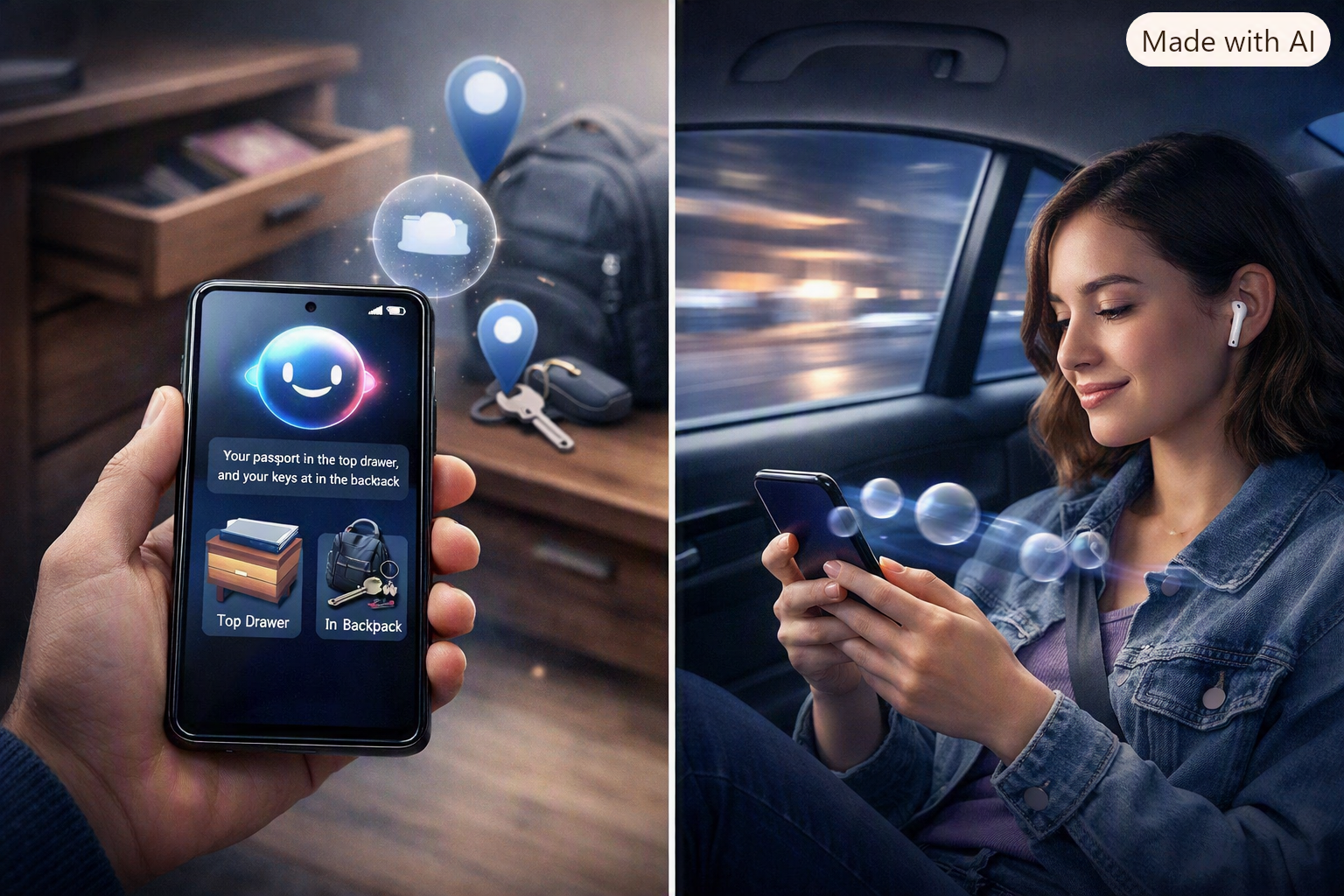
If you get uncomfortable when reading or using your phone in a moving car, Motion Assist is one of the most interesting additions in this update.
When you're travelling, your body senses acceleration, braking and turning while your eyes remain focused on the relatively stationary phone display. That mismatch can contribute to motion sickness.
Motion Assist attempts to address this by displaying small visual bubbles on the screen that move according to the movement of the vehicle.
What can you customize?
- Enable Motion Assist automatically while travelling.
- Add it to Quick Settings.
- Change the bubble shape.
- Adjust the bubble colour.
- Change the bubble opacity.
Motion Assist is designed for phones running Android 17.
It isn't a guaranteed cure for motion sickness, but if you normally have to put your phone away during road trips, it's definitely worth testing.
3. 👁️ Gemini Guided Vision Can See What Your Camera Sees
The third feature takes Google's AI push in a more practical direction.
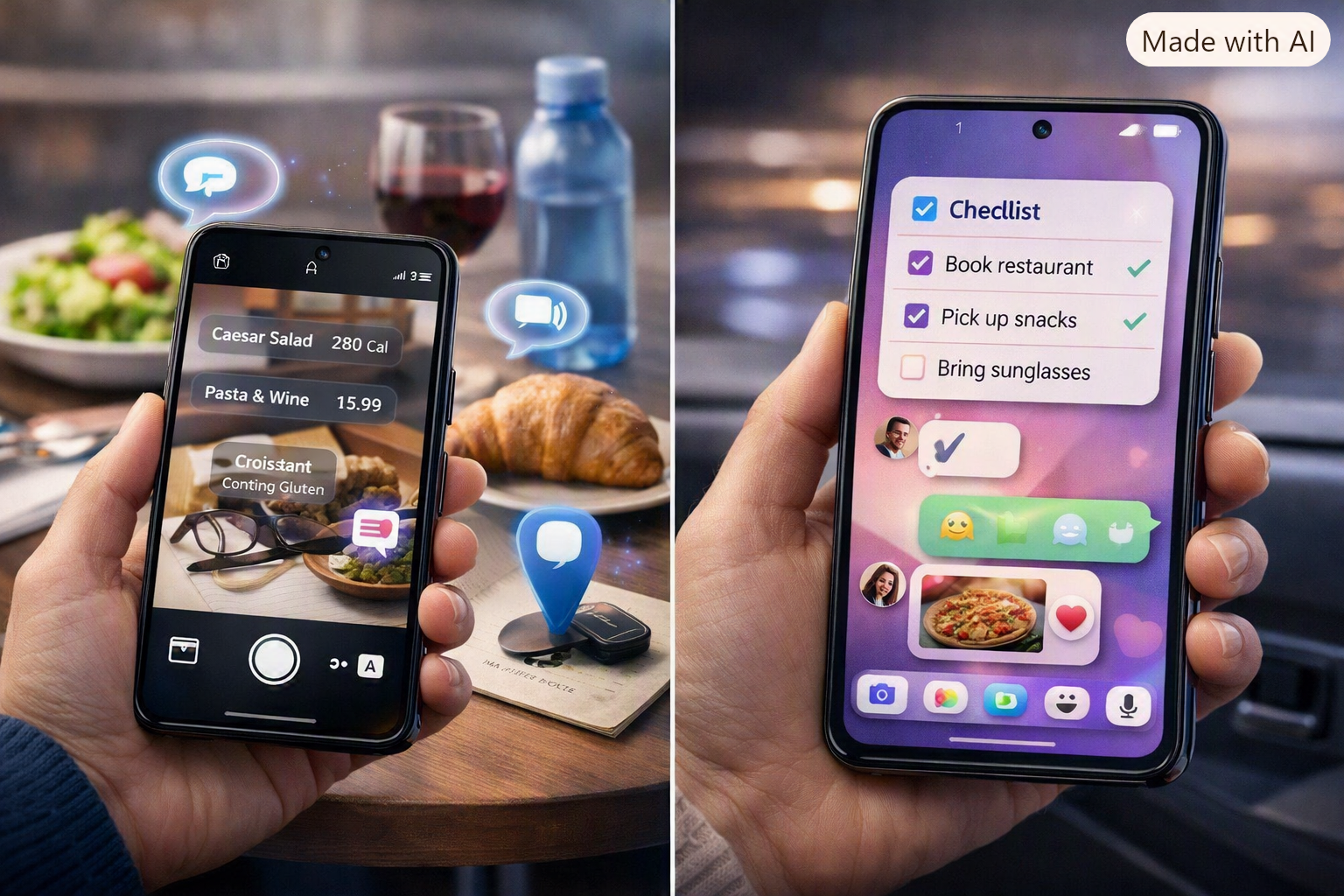
Guided vision works with Gemini Live and your phone's camera to provide spoken descriptions and guidance about things in front of you.
For example, you could point your camera toward a menu, package, object or other item and ask Gemini to explain what it sees.
Some practical uses include:
- Reading small text.
- Understanding menus.
- Identifying objects.
- Getting descriptions of your surroundings.
- Understanding information visible through the camera.
One particularly interesting part is that Gemini can also provide feedback about camera positioning, helping you adjust the camera when necessary.
Google says Guided vision was designed with blind and low-vision users in mind.
4. 📝 Google Keep Is Coming Into Google Messages
Google is also making collaboration easier by connecting Google Keep with Google Messages.
Instead of leaving a conversation to create a separate note or shopping list, you can access Keep through Messages.
Perfect for:
- 🛒 Grocery shopping lists
- ✈️ Travel planning
- 🎉 Event preparation
- 📋 Shared tasks
- 🎒 Packing lists
For families and groups, this could be a surprisingly useful addition because the conversation and shared list can stay connected.
5. 🎨 Google Messages Gets Custom Chat Themes
Google Messages is also becoming more personal.
The new chat themes feature lets you customize individual conversations with backgrounds, personal photos, colours and matching message bubbles.
That means your family conversation can have one appearance, a travel group another, and a personal chat something completely different.
It's not a feature that changes how Android works, but it makes Messages feel considerably more personal.
⭐ Which September Android Feature Should You Try First?
Not all five features are equally important for everyone. Here's our quick take.
🥇 Most Useful: Gemini Remembered Items
If you regularly forget where you put things, this could become an everyday feature you'll actually use.
🥈 Best for Travellers: Motion Assist
If using your phone in a moving car makes you uncomfortable, Motion Assist is worth testing.
🥉 Best Accessibility Feature: Guided Vision
The combination of Gemini Live and camera-based assistance could be particularly valuable for blind and low-vision users.
Best for Groups: Google Keep in Messages
If your family or friends constantly share shopping lists, travel plans or tasks, this could save a lot of app switching.
Best for Personalization: Chat Themes
This one is simple, but it's a nice upgrade for people who like customizing their messaging experience.
📱 September 2026 Android Drop: Availability
| Feature | Requirement | Availability |
|---|---|---|
| Gemini Remembered Items | Android 16+ | Rolling out / coming soon |
| Motion Assist | Android 17 | Rolling out |
| Guided Vision | Android 9+ | Coming soon |
| Google Keep in Messages | Supported Google Messages devices | Rollout starting |
| Custom Chat Themes | Google Messages | Available / rolling out |
🔄 How to Get the New Android Features
Want to check whether your phone has received the new features? Start with these steps.
1. Check your Android version
Go to Settings → About phone → Android version.
2. Check for a system update
Open Settings → System → Software update and install any available update.
3. Update Google apps
Open the Google Play Store and check for updates to:
- Gemini
- Google Messages
- Google Keep
- Find Hub
4. Give it some time
Don't worry if you don't see a feature immediately. Google's feature rollouts can happen gradually, so two compatible phones may receive the same feature at different times.
Android 17 vs September Android Drop: Don't Confuse Them
There's an important distinction here.
Android 17 is a major Android platform release. The September Android Drop is a collection of new features and improvements being delivered across Android and Google's apps and services.
So, the September Drop shouldn't be described as a new Android version.
Android 17 = major operating-system release.
September Android Drop = new features and improvements added to the Android ecosystem.
🇮🇳 What Does This Mean for Android Users in India?
For Android users in India, several of these features could have practical everyday applications.
Motion Assist could be useful during long road journeys, while Gemini's remembered-item functionality could be handy for passports, documents, keys and other belongings.
Guided Vision could also become an important accessibility feature as Google's Gemini capabilities expand.
However, don't assume that every feature will appear immediately on every Android phone in India. Google's rollout schedule can vary by device, service and region.
🏁 Final Verdict
The September 2026 Android Drop isn't a dramatic Android redesign, and that's actually a good thing.
Instead, Google is concentrating on smaller features that can solve everyday problems.
The most interesting additions are arguably Gemini Remembered Items, Motion Assist and Guided Vision. They demonstrate where Android is heading: a phone that doesn't simply run apps, but increasingly understands the context around you.
The Google Keep and Messages improvements are less revolutionary, but they make everyday communication and collaboration more convenient.
Our pick? Try Gemini Remembered Items first if it is available on your device. If you travel frequently, give Motion Assist a test. And if accessibility is important to you or someone in your family, Guided Vision is definitely worth exploring.
If you don't see these features yet, don't immediately assume your phone isn't supported. Check your Android version, update your Google apps and give Google's gradual rollout some time.
❓ Frequently Asked Questions
When was the September 2026 Android Drop announced?
Google announced the September 2026 Android Drop on September 1, 2026.
What are the five new Android features?
The five headline additions are Gemini Remembered Items, Motion Assist, Guided Vision, Google Keep integration in Google Messages and customizable Google Messages chat themes.
Does Motion Assist require Android 17?
Yes. Motion Assist is designed for phones running Android 17.
Does Guided Vision require Android 17?
No. Google says Guided Vision is coming to Android 9 and newer devices in countries where Gemini is supported.
Can Gemini remember where I put my passport?
Yes. The Remembered Items feature is designed to allow Gemini to remember where you stored belongings such as passports and keys using Find Hub.
Will every Android phone receive these features?
No. Availability depends on the device, Android version, country, language, Google services and rollout schedule.
Is the September Android Drop Android 18?
No. It is a feature update and should not be confused with a new major Android operating-system release.
🔎 Sources
Last updated: September 2026