🔐 Parental Control Made Simple
🔍 Quick Summary
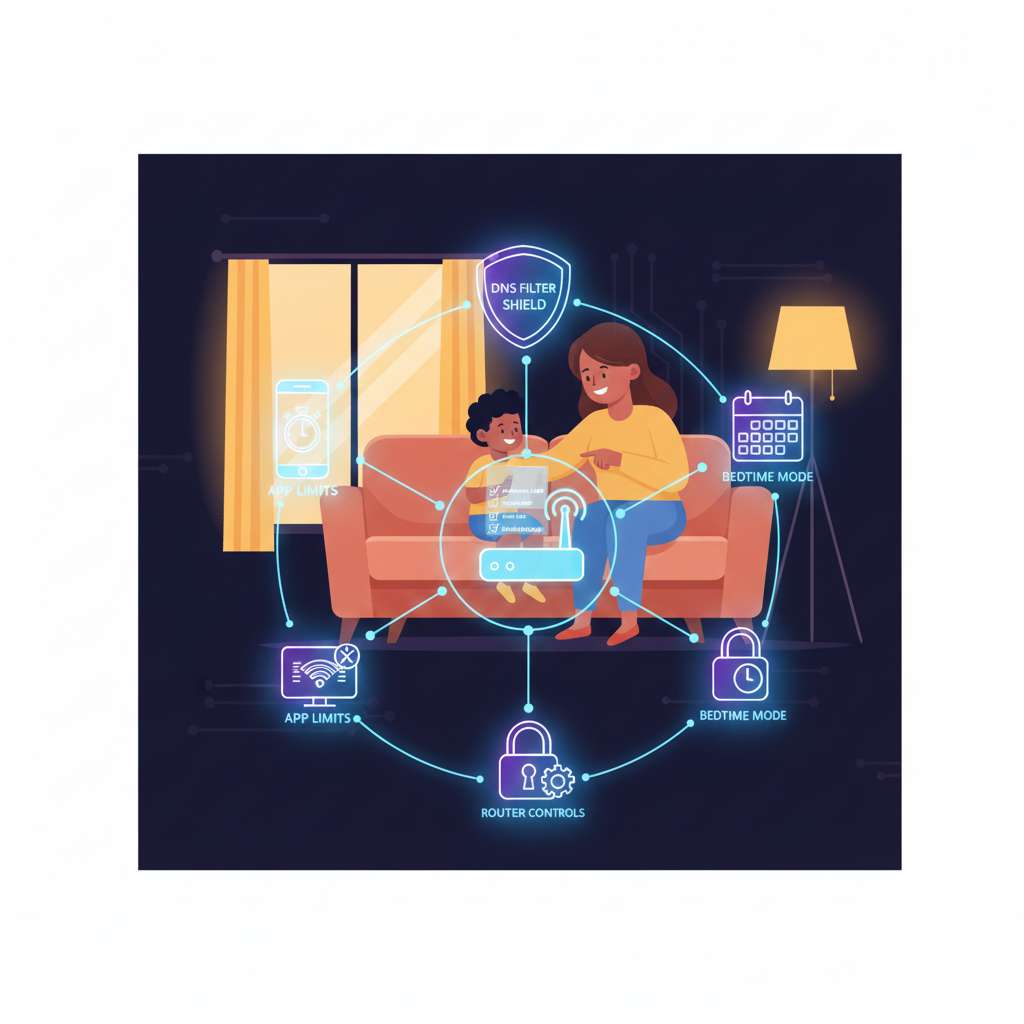
Short on time? Set up parental controls on your router → create device schedules → use Google Family Link (Android) or Apple Screen Time (iOS) → enable safe DNS like OpenDNS → review activity weekly. Simple, effective, and respectful.
🔎 Why Parental Controls Matter
Kids live online. Parental controls let you manage access to inappropriate content, limit screen time, and protect privacy — while teaching healthy habits. Controls should be fair, transparent, and age-appropriate.
🛠 Method 1: Router-Level Controls (Best Starting Point)
Router controls protect every device on your network — phones, tablets, laptops — without installing apps on each device.
- Login to router admin (common IPs:
192.168.1.1/192.168.0.1). - Find sections: Parental Controls, Access Control, or Device Scheduler.
- Create profiles for each child device (MAC-based).
- Set allowed hours and filter categories.
📱 Method 2: Device-Level Controls
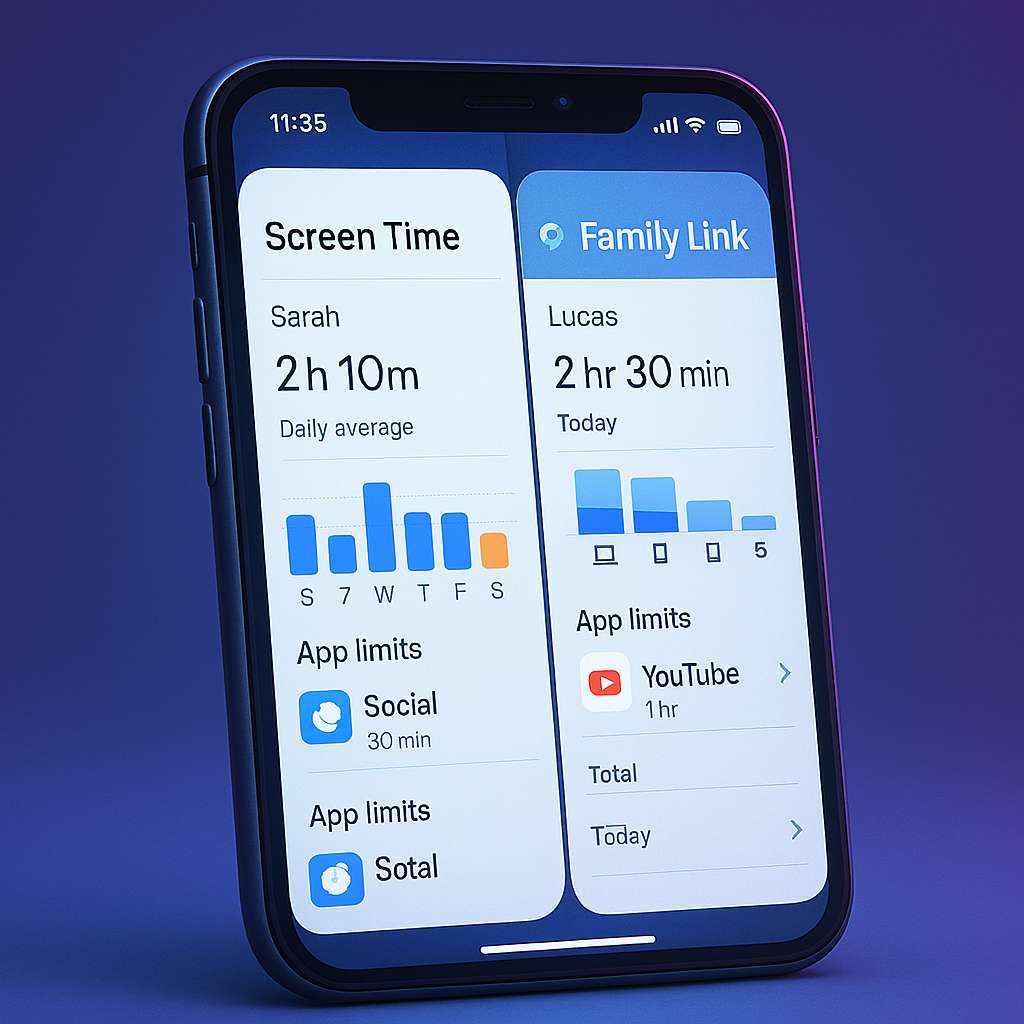
📱 Apple Screen Time
Go to Settings → Screen Time on your child’s iPhone/iPad to set limits, downtime, and content filters.
🤖 Google Family Link
Family Link lets you approve apps, manage screen limits, and lock devices remotely on Android.
🌐 Method 3: DNS Filtering (OpenDNS / CleanBrowsing)

Using DNS filtering blocks adult and unsafe sites at the network level without installing additional software. You only need to update DNS on your router.
🛡 Method 4: Guest Network & Device Segmentation

Create a separate WiFi network for visitors. This keeps your kids’ devices on a managed, protected network.
⏱ Method 5: Bedtime Schedule & Screen Time Rules
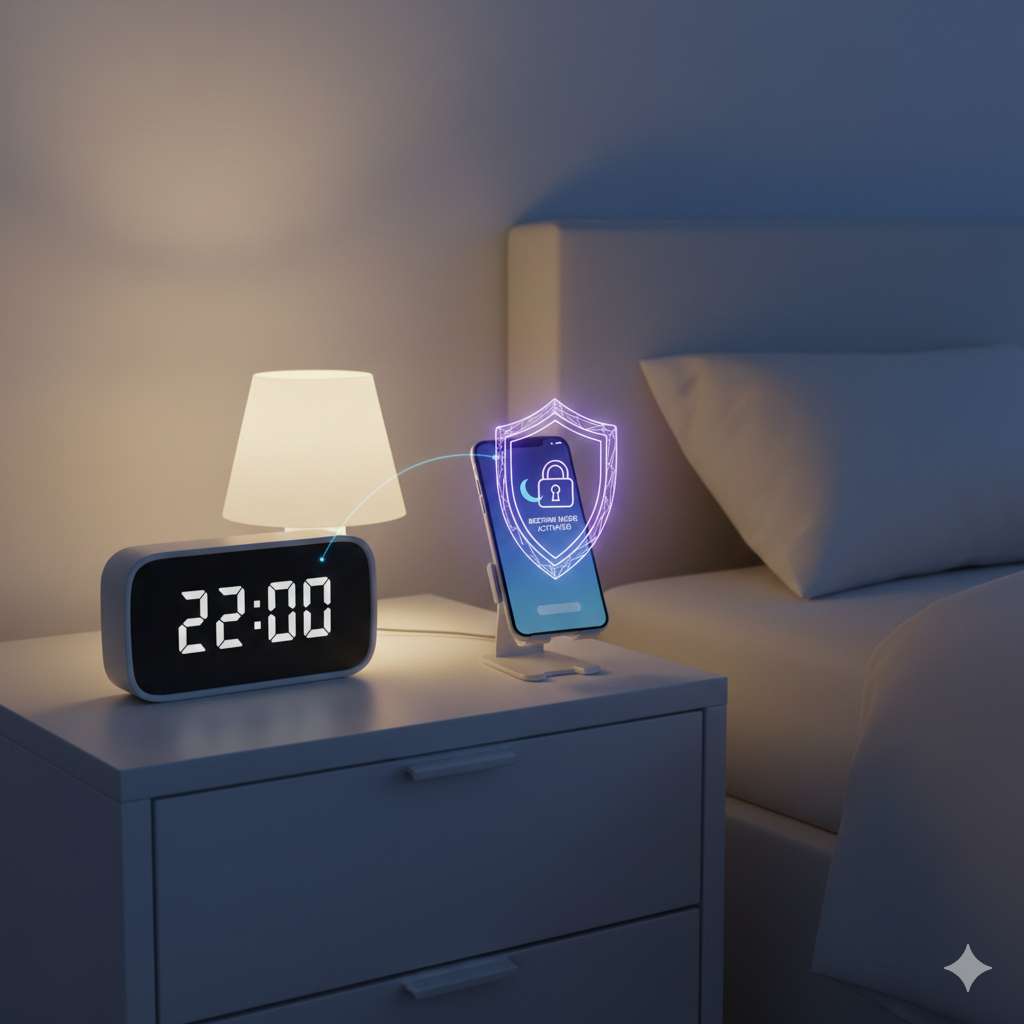
Use bedtime schedules to set predictable offline hours and healthy routines.
🧭 Method 6: Teach Digital Responsibility
Guide your kids with empathy and age-appropriate discussions about safe internet use.