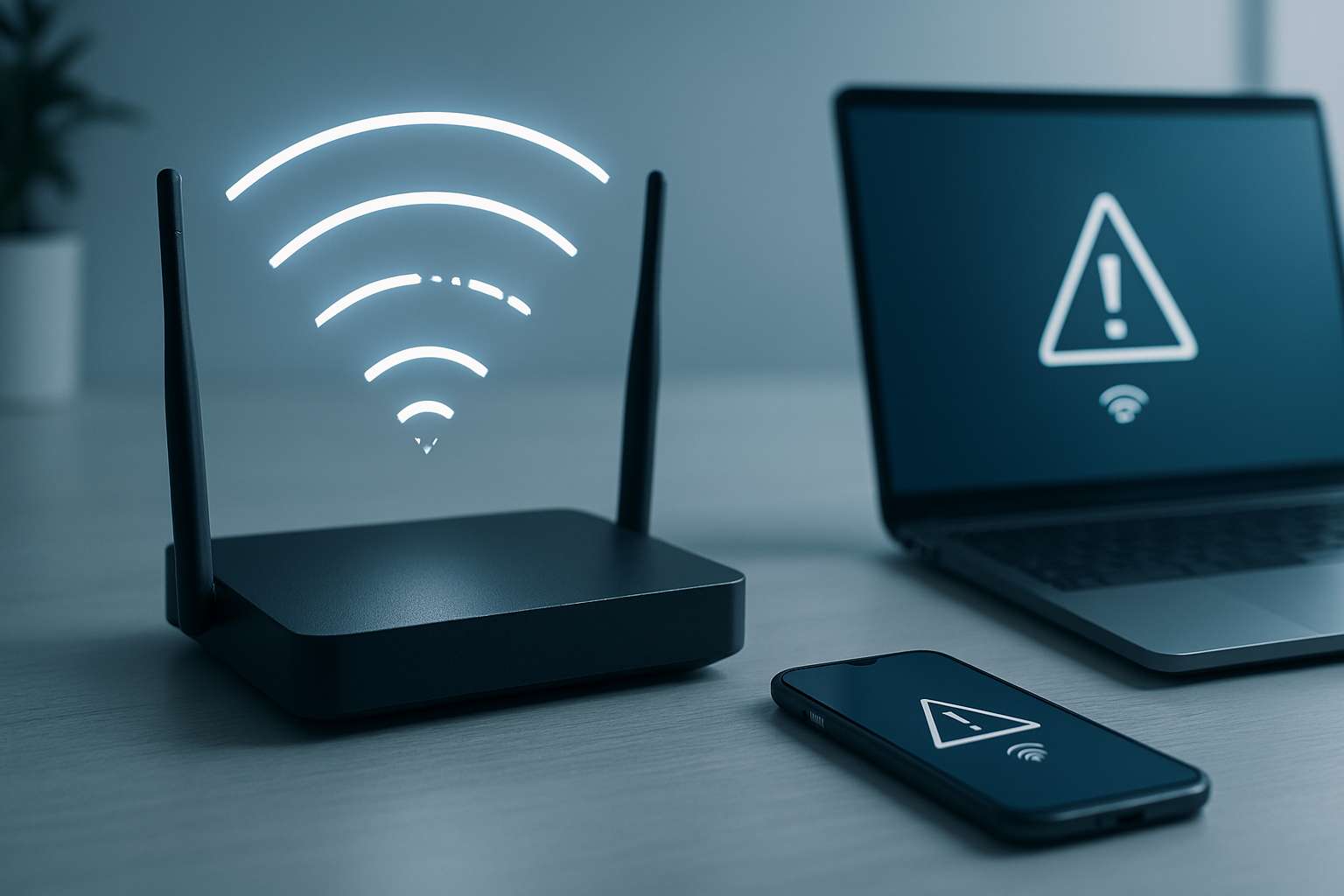
Why Your Wi-Fi Keeps Disconnecting
A Wi-Fi connection that keeps disconnecting can ruin work, streaming, gaming, and online meetings. Most Wi-Fi problems are caused by weak signals, router issues, interference, or ISP problems.
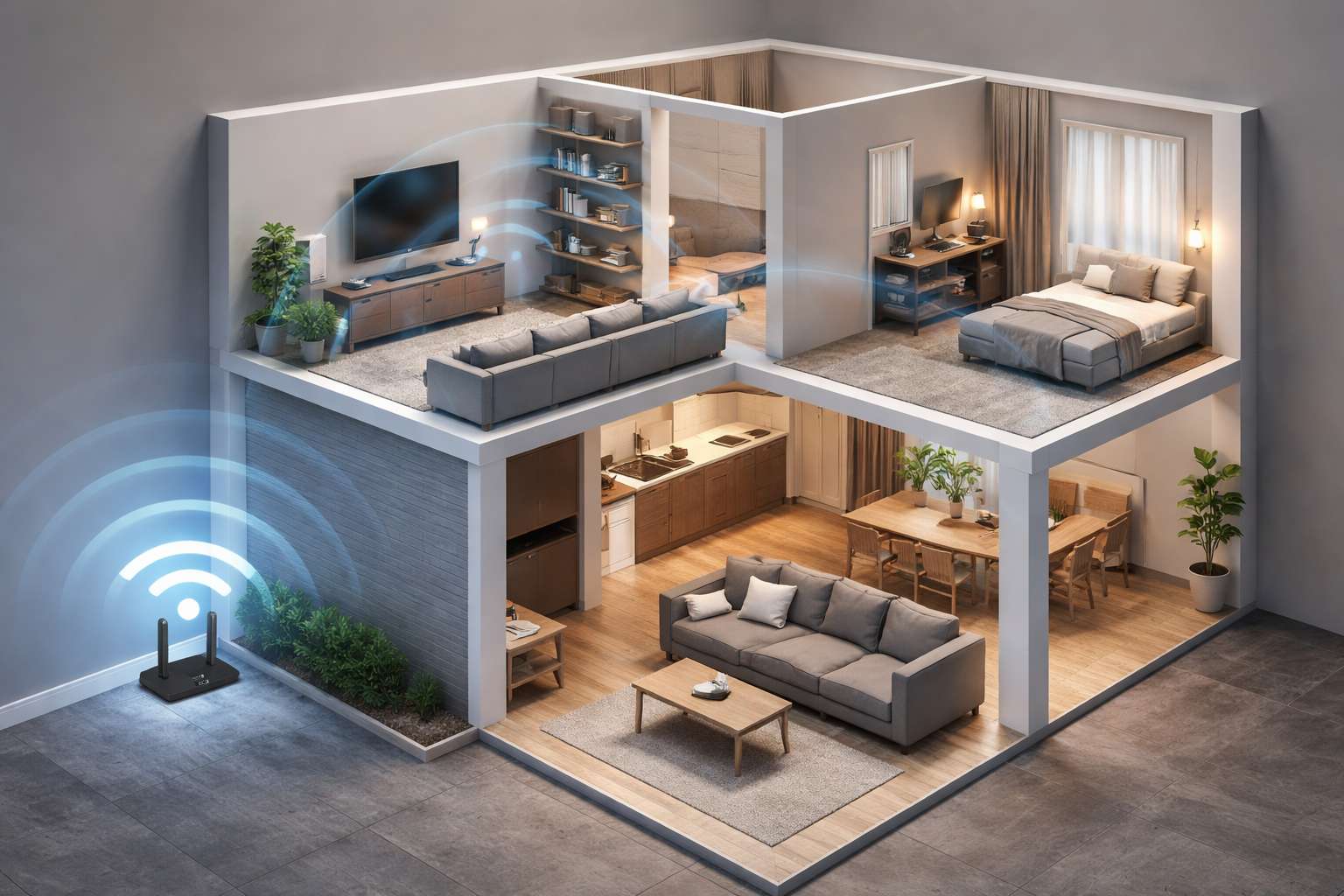
Weak Wi-Fi Signal
- Router placed far away
- Walls or metal obstructions
- Multiple floors
Fix: Move the router to a central location and elevate it.
Router Overheating or Old Hardware
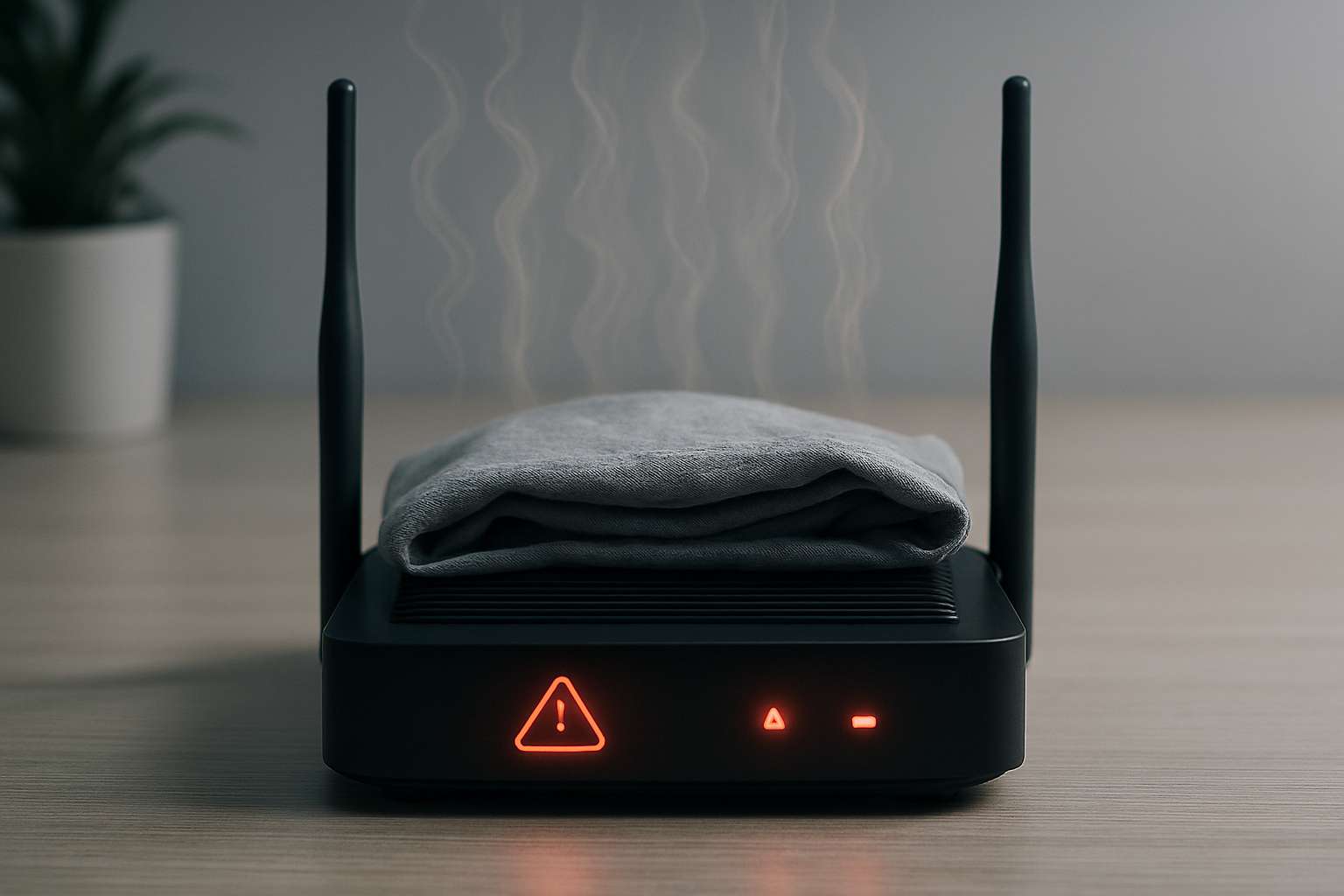
- Restart router weekly
- Ensure ventilation
- Replace if router is older than 5 years
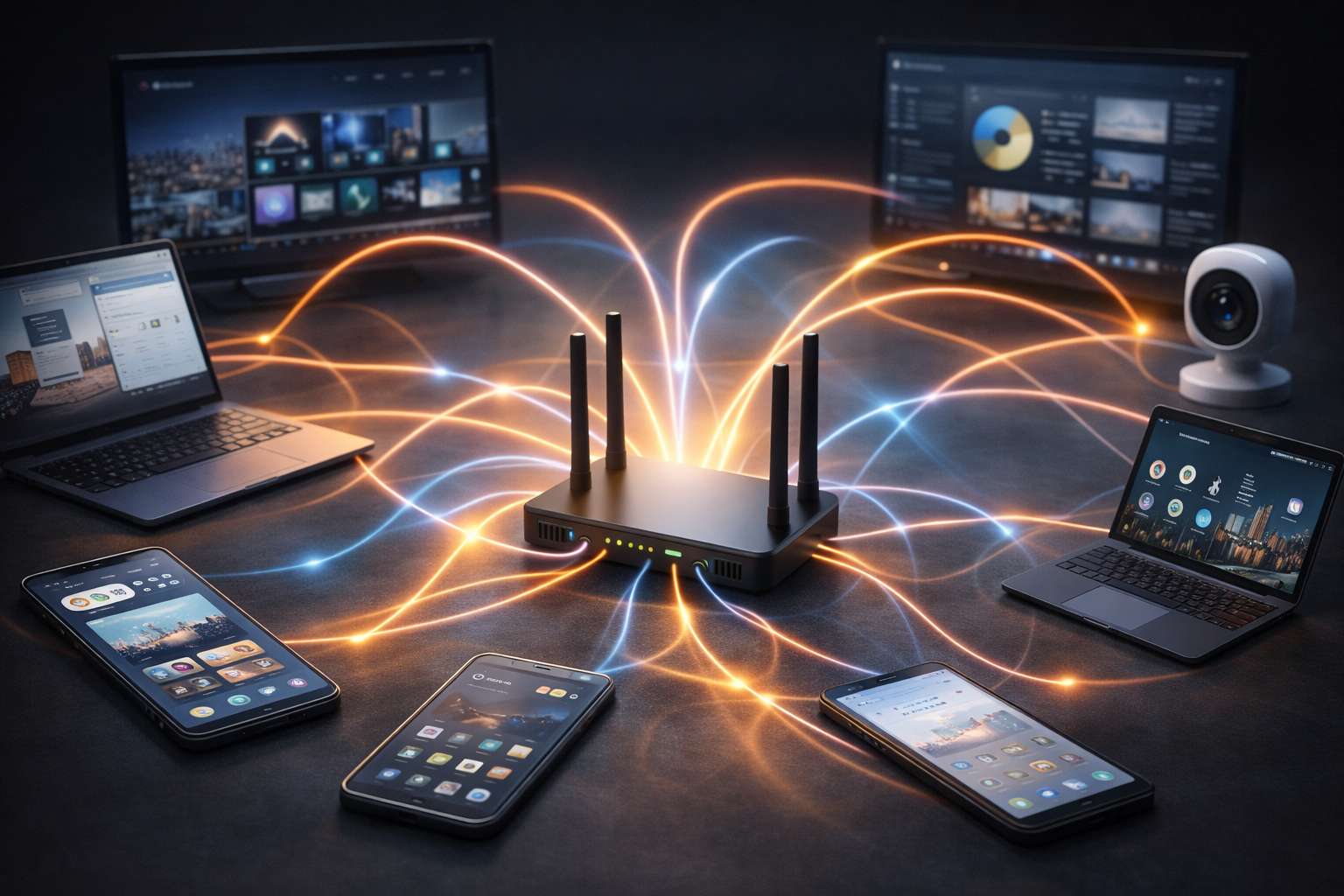
Too Many Connected Devices
- Disconnect unused devices
- Use dual-band Wi-Fi
- Upgrade your plan if needed
Wi-Fi Interference
- Change Wi-Fi channel
- Use 5GHz band
- Avoid overlapping networks
Outdated Router Firmware
- Update router firmware
- Enable auto-updates
ISP Connection Problems
- Check ISP outage
- Restart modem
- Contact ISP support
Quick Fix Checklist
- Reposition your router
- Reduce connected devices
- Update firmware
- Restart modem & router
Conclusion
If your Wi-Fi keeps disconnecting, small adjustments can make a big difference. Fixing signal strength, interference, and router health ensures stable internet.
More tech fixes available on QuickTechSolve.com