How to Fix Android Phone Overheating While Charging: Complete Guide
Warning: Overheating Risks
Continual overheating while charging can:
- Permanently damage your battery
- Reduce battery lifespan by up to 50%
- Cause performance throttling
- Potentially lead to battery swelling or fire risk
Quick Fix Solutions
Why Does Your Android Phone Overheat While Charging?
Before diving into solutions, understand that mild warmth during charging is normal due to lithium-ion battery chemistry. However, excessive heat (too hot to touch comfortably) indicates problems with:
- Charging equipment (faulty/third-party chargers)
- Environmental factors (direct sunlight, poor ventilation)
- Software issues (background apps, system bugs)
- Hardware problems (old battery, damaged port)
- Usage patterns (gaming while charging)
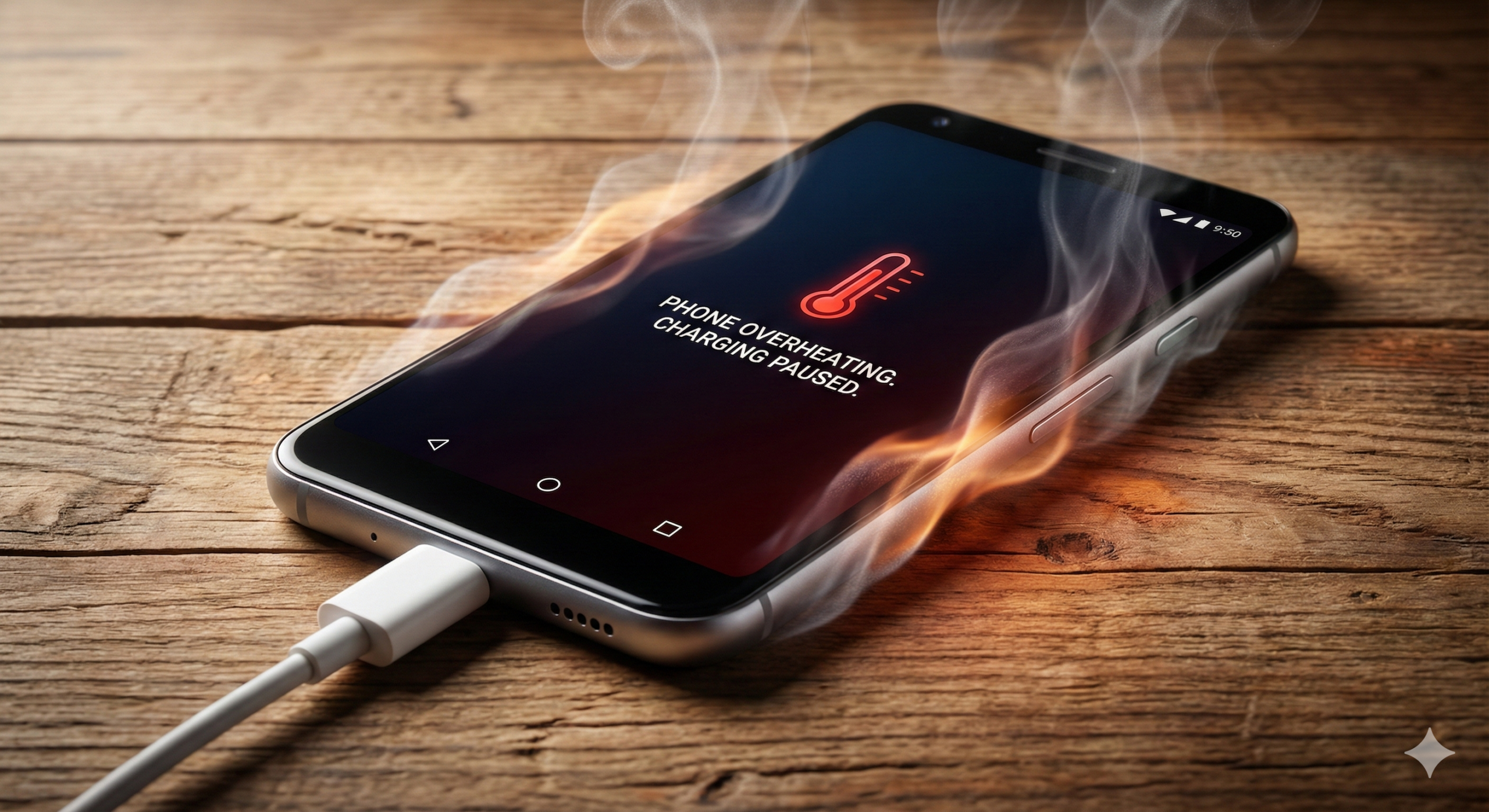
Common causes of Android phone overheating during charging
Remove Phone Case During Charging
The Problem
Thick or insulating phone cases trap heat generated during charging, preventing proper dissipation. This is especially common with rubber, leather, or multi-layer cases.
The Solution
Always remove your phone case before charging. If you must keep it on:
- Use thin, breathable cases
- Choose cases with ventilation cutouts
- Consider heat-dissipating cases
Use Original/OEM Charger
The Problem
Third-party or counterfeit chargers often deliver inconsistent voltage/current, causing battery stress and overheating. Fast chargers can generate more heat if not properly regulated.
The Solution
- Always use manufacturer-certified chargers
- Avoid "ultra-fast" chargers from unknown brands
- Check charger wattage matches your phone's spec
- Consider using slower charging overnight
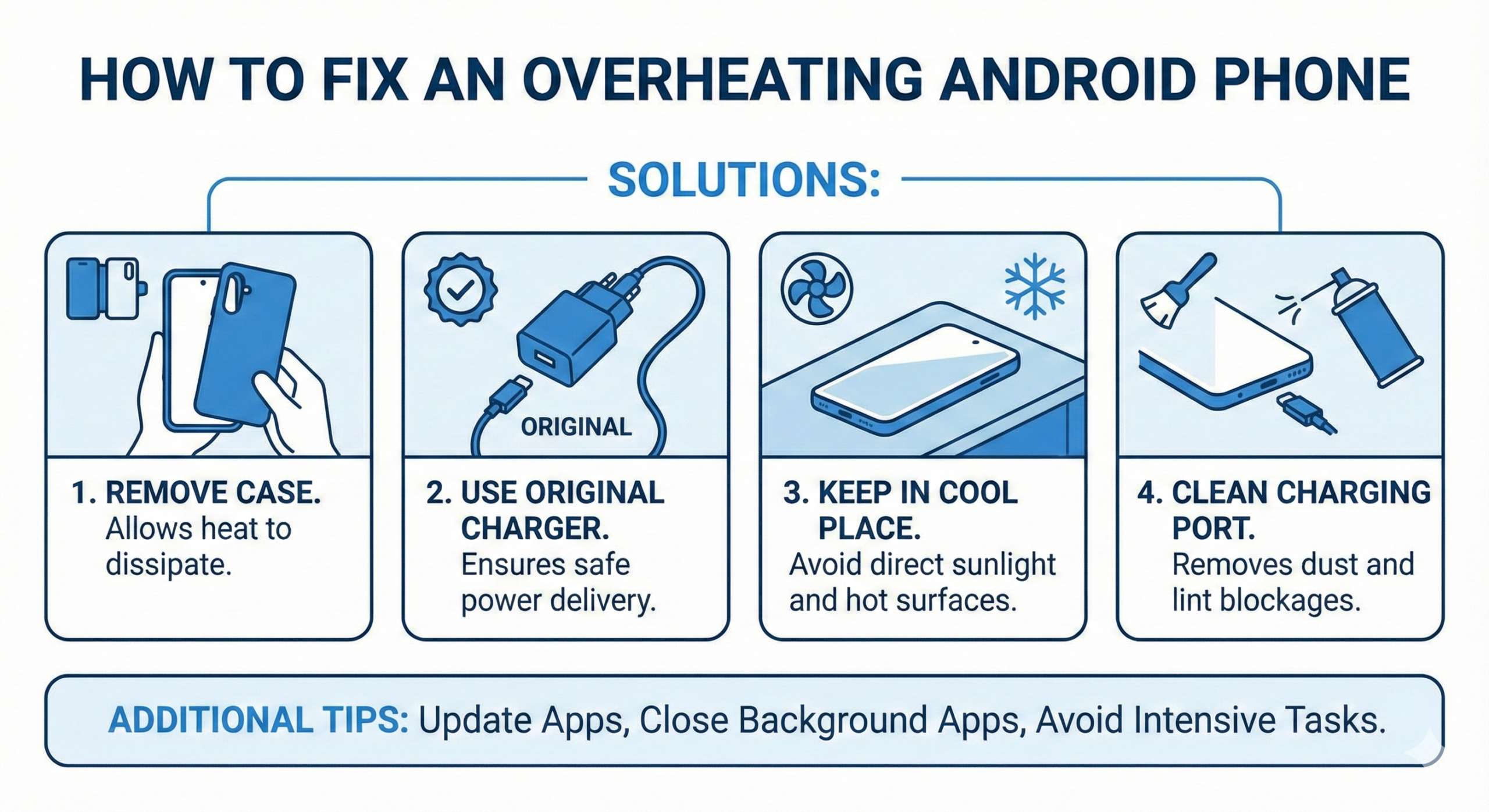
Complete solution guide for Android overheating issues
Clean Charging Port Thoroughly
The Problem
Lint, dust, and debris in the charging port create poor connections, causing resistance that generates heat. This is common with phones kept in pockets or bags.
The Solution
Safe cleaning method:
- Turn off phone and unplug charger
- Use a plastic or wooden toothpick (NOT metal)
- Gently scrape visible debris from port
- Use compressed air to blow out remaining particles
- Inspect with flashlight for remaining debris
Warning
Never use metal objects or liquids for cleaning. This can damage port pins and void warranty.
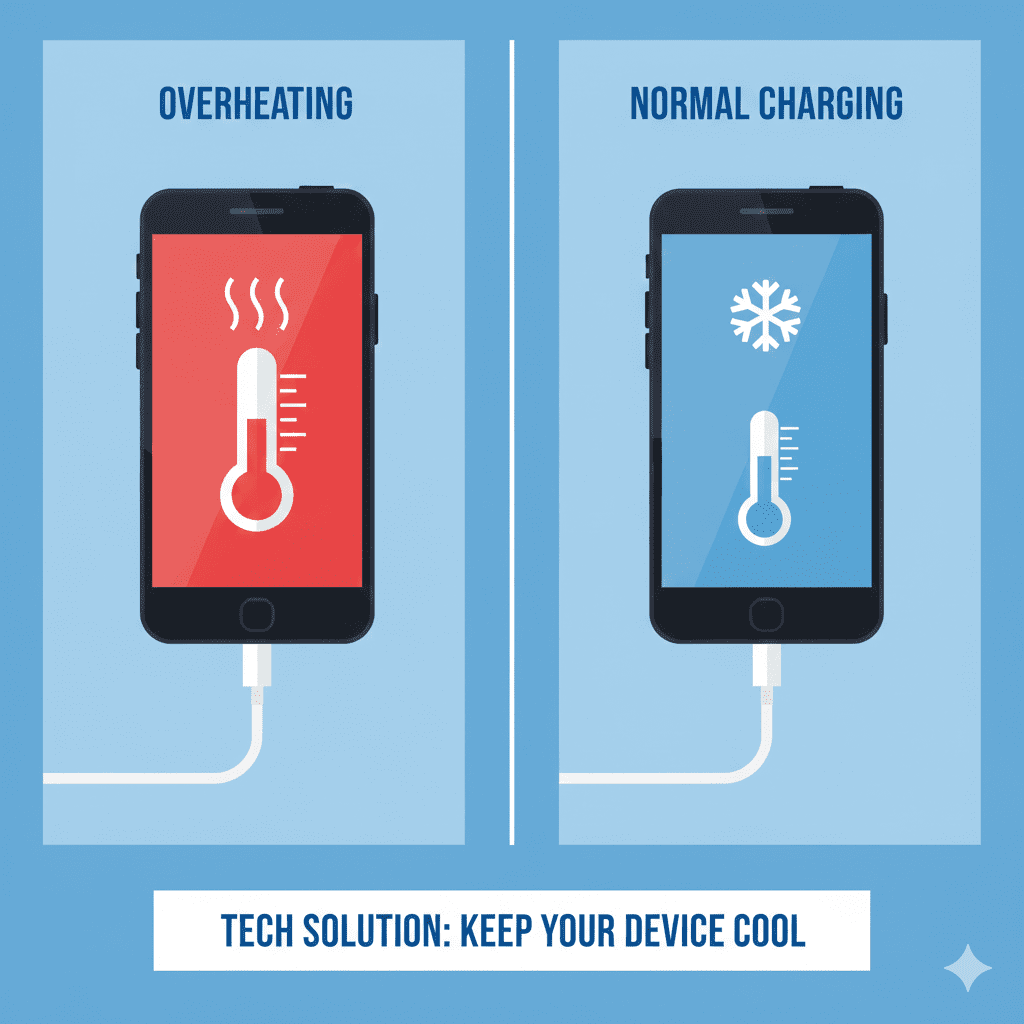
Results after implementing proper charging practices
Charging Best Practices
DO These
- Charge in cool, ventilated areas
- Remove case during charging
- Use certified charging accessories
- Keep phone on flat, hard surfaces
- Charge between 20-80% for battery health
- Update software regularly
- Monitor battery temperature
DON'T Do These
- Charge under pillows or blankets
- Use phone intensively while charging
- Charge in direct sunlight/hot cars
- Use damaged cables or chargers
- Charge to 100% regularly
- Ignore persistent overheating
- Use third-party battery apps
Frequently Asked Questions
Safe range: 35-40°C (95-104°F) - Warm but comfortable to touch
Warning range: 40-45°C (104-113°F) - Hot, concerning
Danger range: 45°C+ (113°F+) - Too hot to hold comfortably
If your phone reaches danger temperatures regularly, stop charging immediately and seek professional help.
Yes, absolutely. Each time your battery overheats, it degrades slightly. Persistent overheating can:
- Reduce battery capacity by 20-50%
- Shorten overall lifespan from 2-3 years to 1 year
- Cause battery swelling (potential safety hazard)
- Lead to sudden shutdowns at higher percentages
Yes, temporarily switch to regular charging. Fast charging generates more heat. Try these steps:
- Use a standard 5W/10W charger instead of fast charger
- Charge when you won't need the phone immediately
- If overheating stops, your fast charger may be faulty
- Consider disabling fast charging in settings if available
Key Takeaways
- Most overheating issues are fixable with simple adjustments
- Remove phone cases and use original chargers for best results
- Monitor your phone's temperature - if it's uncomfortable to hold, stop charging
- Persistent overheating requires professional diagnosis - don't ignore it